The creator look
Ask for it by name and the plan comes back in that format. Make a UGC-style video for this product: [URL]. Someone using it at home, phone-shot feel.
The kind of video that looks like a customer shot it on their phone: the product in a real room, in someone's hands, used the way it is meant to be used. Ask Claude for one and it comes back from the product page.
 For the Claude app and Claude Code
Connect Claude → Free to start. Sign in once, paste one address.
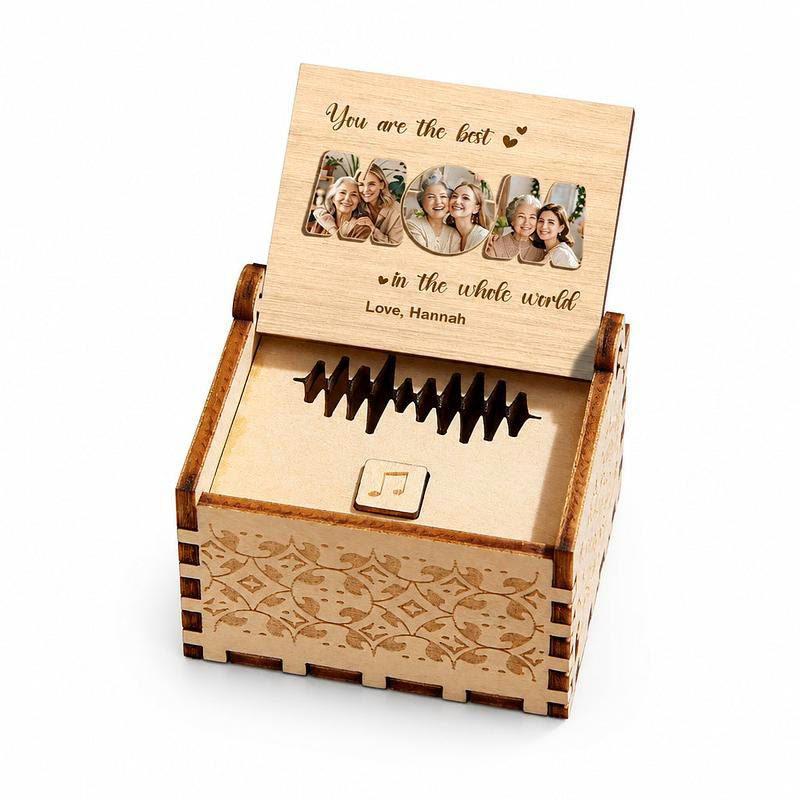
Say UGC-style, or name the format you mean: creator review, talking head, POV, vlog, hands-on demo. Claude reads the product page, and the plan comes back with the format and the look already chosen. If you leave the format out, it picks the one that fits the product.
The rest is a conversation. Hands only, no face. Shoot it in a kitchen, not a studio. Say the price out loud. Claude edits the plan line by line, and when you say go the video is generated and comes back in the chat with a share link. The voiceover is written for the market your store serves.
Name the look you want. The format words below are ones the plan understands.
Ask for it by name and the plan comes back in that format. Make a UGC-style video for this product: [URL]. Someone using it at home, phone-shot feel.
A note in plain words carries through to the video, and it takes priority over the plan. Hands only, no face. Show the box opening and the first use.
Ask for two formats and you get two different videos, not the same one twice. Make one as a talking head and one as a POV, so I can run both.
A gift opened on the sofa, a tee held up to camera, a dress tried on in a bedroom. More in the examples library.
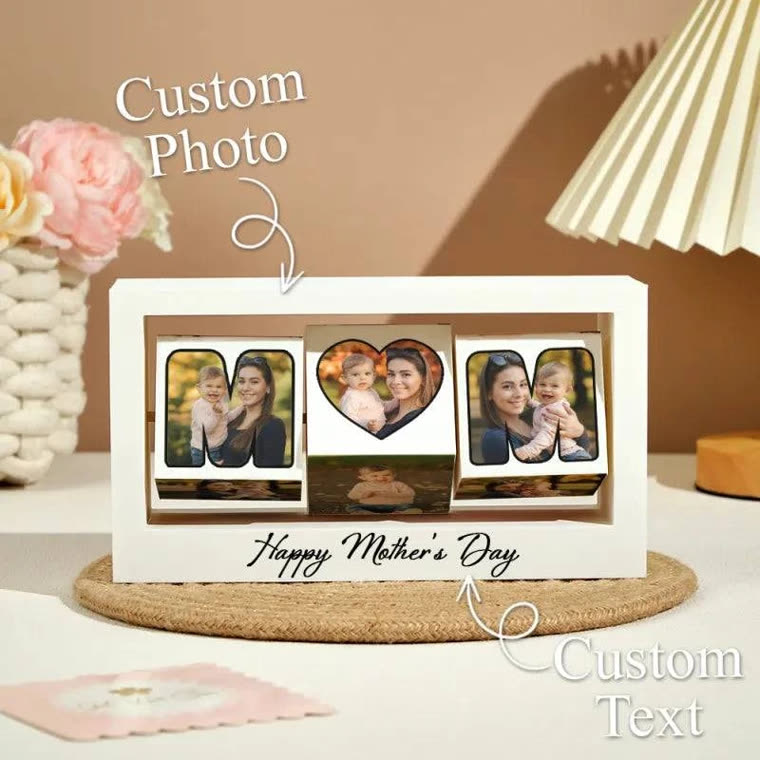
One address pasted into Claude, one sign-in, and it can make these in your account.
Connect Claude →No. Nobody is filmed. The video is generated from your product page or photos, in a style that reads like a customer's own phone video. It is your ad, made by you, and you should treat it as one: it is not a customer's review.
Not as a presenter would. The plan writes the hook and the voiceover from the page, and you edit the lines. A note like "say the price and the code SPRING" is carried through as written; a full script to be read out is not what it does.
The language of the market your store serves: the market is read off the page, and the voiceover is generated to match it. You can change the target before generating. The FAQ lists the languages it does well.
Not connecting Claude today? Paste a product link here, or upload photos. The first video is free, and there is no card to enter.