The plan is wrong, not a line in it
If the whole plan is wrong, editing it line by line only gives you a tidier wrong plan. Ask for a different angle instead. Scrap this plan and take a different angle. Sell the gift, not the object.
A campaign is more than one ad. It is a range of products, a set of rules, a few angles to test, a batch to generate, and a sheet that collects the links. These are the prompts that take you through it.
 For the Claude app and Claude Code
Connect Claude → Free to start. Sign in once, paste one address.

Each stage is one message to Claude. Nothing is generated until stage five, so up to there you can change your mind without it costing anything.
Start by giving Claude what you already have. Attach the brand guide, the launch sheet and anything you learned last season. Tell it the goal of the campaign, when it runs, what the offer is and who should see it. Then ask what it would do before it does anything. It is much cheaper to change the lead product now than after twelve plans have been drafted around the wrong one.
Here is the brand guide and the launch sheet. We are running a two-week sale from the 14th, code AUTUMN15, aimed at people who have bought before. Before you import anything, tell me which products on the sheet you would lead with, and why.
Give Claude the collection page or the list of product links. Importing a product and drafting its plan are both free, so ask for a plan for everything and no videos yet. Ask for the plans as a table, with the product, the hook and the format on one line each. That is the quickest way to read twenty plans and see which ones need work.
Import every product on this page and draft a plan for each. Do not generate anything yet. Put each one in a table: product, hook, format, one line per product.
Some rules apply to every video in the campaign: the discount code, the claims you cannot make, the things that must not appear on screen. Put them all in one message. Claude changes the relevant line in each plan rather than redrafting from scratch, and you can ask it to show you only the lines it changed.
Apply these to every plan: say the code in the voiceover, no claims about results, nothing that names another brand. Show me only the lines you changed.
For the products that matter most, ask for more than one plan, and say how the plans should differ. A real test needs genuinely different angles, not the same plan with a new opening line, and a different angle usually means a different format. Keep the first plan as the control, so the others have a baseline.
For the three best sellers, give me two more plans each, with different hooks: one that opens on the problem, one that opens on the price. Keep the first plan as the control.
Generating the videos is the only step that spends credits. Claude tells you the total before it starts and waits for your go-ahead. Tell it how you want it to proceed, and what should make it stop and ask you.
Generate the ones I marked. Tell me the total cost first, and stop if any plan is still missing a hook or a format.
Every finished video comes back with a download link and a share link. Ask Claude to write both into the launch sheet next to the product, and to flag any video that does not match its plan. From the sheet, the links go to whoever needs them next: a client who has to sign off, a teammate who posts, or a scheduling tool. Agencies use the share link for client approval.
Add the share link and the download link for each finished video to the launch sheet, next to its product. Flag any video that does not match its plan.
By the platforms’ own account, an ad wears out in about a week, so a season needs a steady supply of new ones. When the first batch starts to tire, ask for the next round from the same products, in formats that have not run yet.
The sale ads have been running a week. For each product, draft one new plan in a format that has not run yet. Don’t generate until I have read them.
Three things that go wrong in most campaigns, and the message that fixes each one.
If the whole plan is wrong, editing it line by line only gives you a tidier wrong plan. Ask for a different angle instead. Scrap this plan and take a different angle. Sell the gift, not the object.
Twenty plans in, the tone can start to slide. Point Claude back at the brand guide and ask it to check the plans first, rather than rewrite them. Re-read the brand guide and check every plan against the tone section. List the lines that break it before you change anything.
Sometimes a client, a manager or a founder has to see the plans before anything is made. Ask Claude to put them into a form you can paste into an email, and to hold off generating until you say so. Put the plans for the client’s products in one list I can paste into an email, plain text. No generating until they reply.
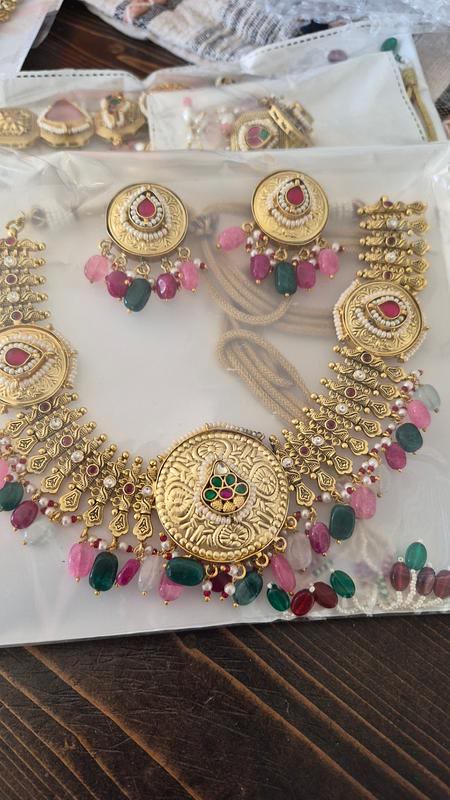
The supplement as a kitchen routine, then as a glass of water. Beside them, a jewellery try-on from another store. More in the examples library.
Every prompt on this page works once Claude is connected. That takes one address and one sign-in.
Connect Claude →Give it a collection page or a list of product links and it imports each product and drafts a plan for each, in one conversation. Importing and drafting cost nothing, so there is no reason to load fewer products than the campaign needs.
No, and it does not cost more either. Every video costs the same credits it would on its own, shown to you before it is made. The pricing page has the figures.
InstantClips does not post anywhere and does not schedule. What it hands back is an MP4 and a share link. If your Claude can reach a scheduler or a spreadsheet, it can put them there; if not, you download and post as you do now.
Each plan is drafted in the brand’s voice, and the rules you set in one message apply to all of them. What varies between the videos is what you asked to vary: the hook and the format.
No campaign yet? Start with one product. Paste its link here, or upload photos. The first video is free, and there is no card to enter.