Before a launch
Plan the whole drop at once, and read it in one place. These are the products in the fall drop. Plan two videos for each, and put the plans in a table I can read.
Attach the list you already have: the fall range in a spreadsheet, the launch plan in a doc, the photos on your laptop. ChatGPT plans a set of videos for every product. Put it on a schedule, and each week ChatGPT prepares plans for new products. Approve the ones you want to make.
 A plugin for ChatGPT
Add it to ChatGPT → Free to start. Add the plugin, sign in once.
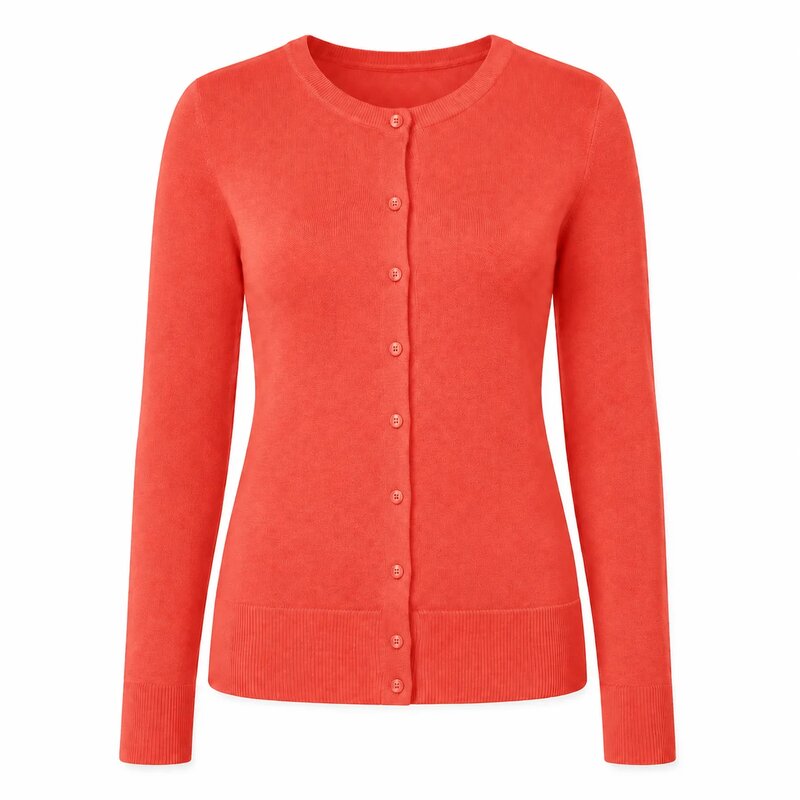
Attach your product list, or the product photos themselves. Each product needs its page link or its photos. ChatGPT brings them all in and drafts a plan for each one. Drafting is free, so plan the whole range before you decide what to make.
Here is our fall product list. Bring in every product and draft a plan for each. Do not make anything yet.
For each product, ask for a few videos in different formats. A set gives you something to test now, and something to swap in when the first one wears out.
For each product, plan three videos in three different formats, and tell me the total cost before you make any of them.
ChatGPT can run the same request as a scheduled task. Ask once, and every week it checks for new products, drafts their plans and brings them to you to approve. Nothing is made until you say yes.
Every Monday, check our new-arrivals page for products added in the last week, draft two video plans for each and send them to me. Make only the ones I approve.
The same idea at three moments in a season.
Plan the whole drop at once, and read it in one place. These are the products in the fall drop. Plan two videos for each, and put the plans in a table I can read.
New formats for the products you already sell. For every product on last month’s list, plan one new video in a format we have not used yet.
A standing order, with a limit you choose. Each Friday, plan videos for the products we added this week, at most ten, and wait for my go-ahead.
An energy drink poured over ice, a chicken dinner, a leather tote. More in the examples library.
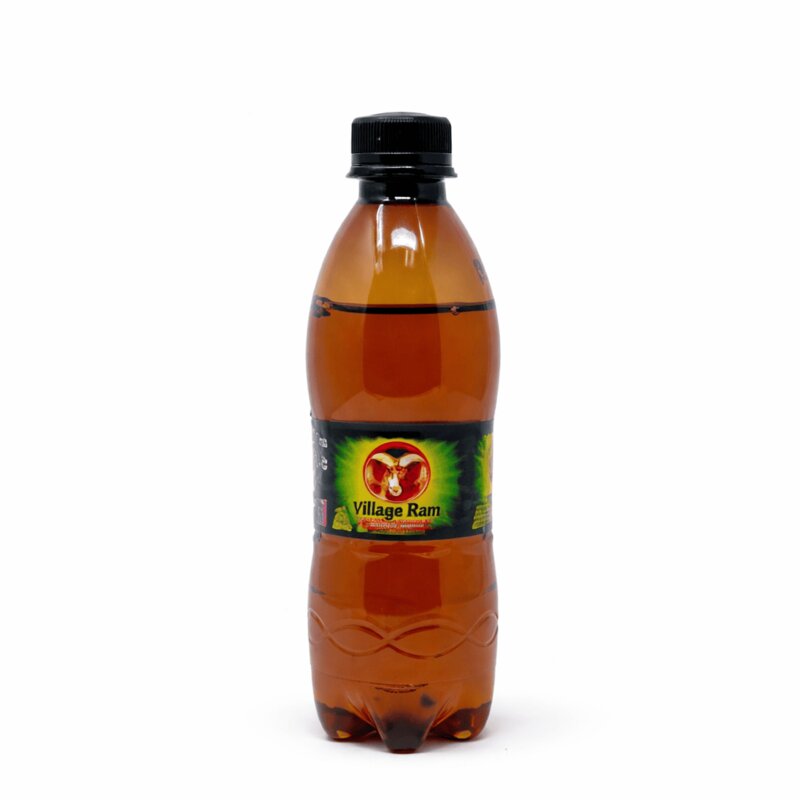
Add the InstantClips plugin to ChatGPT once and sign in. After that, the whole list is one message.
Add it to ChatGPT →Bringing products in and drafting their plans cost nothing, so you can plan a whole range before you spend anything. Each video you approve uses credits, and ChatGPT shows you the total first.
Not unless you ask it to. A scheduled task can draft the plans and bring them to you, and nothing is made until you approve it.
Scheduled tasks are a ChatGPT feature, and OpenAI decides which plans include them. Check your ChatGPT settings to see what your plan includes.
Not using ChatGPT today? Paste a product link here, or upload photos. The first video is free, and there is no card to enter.