A moment the viewer knows
We open on the moment your app helps. In PeakRun AI’s ad, a runner finishes her morning run beside the river, so another runner can picture the same morning.
We write a script that shows people why they’d want your app. You approve it, and we make the video with your own screenshots.
Works with any App Store link or app website.
We never invent a screen. Your screenshots already show your app at its best, so we build the ad around them. Someone your app helps holds up their phone or turns their wrist, and there’s your app, exactly as it looks on the App Store.
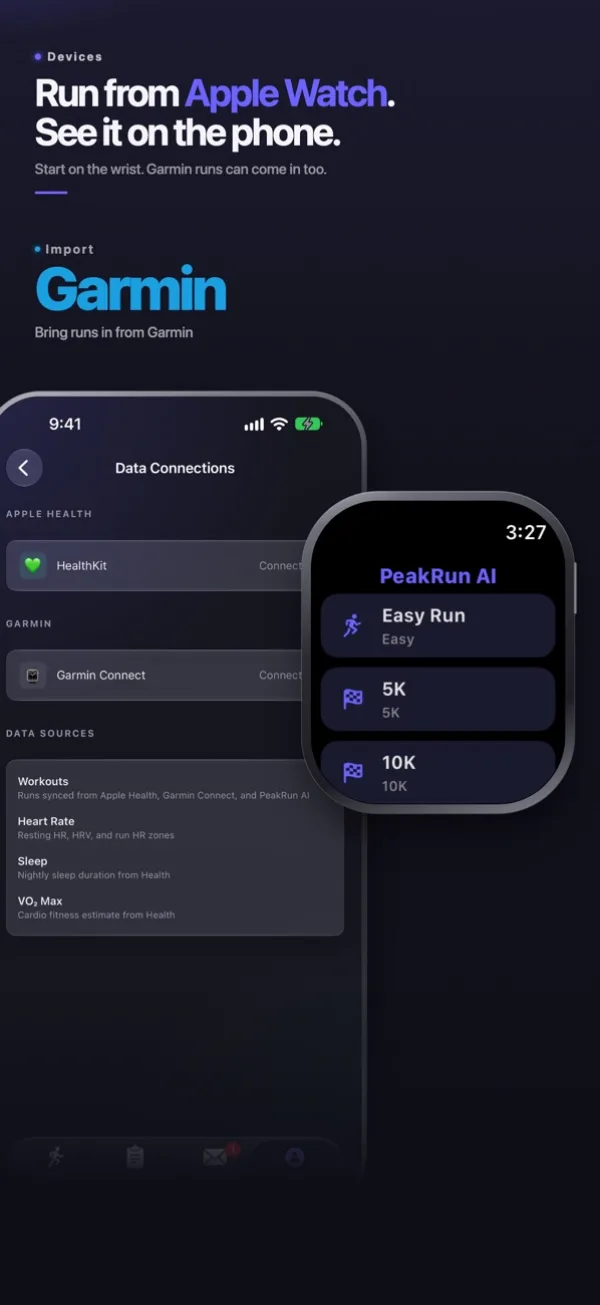
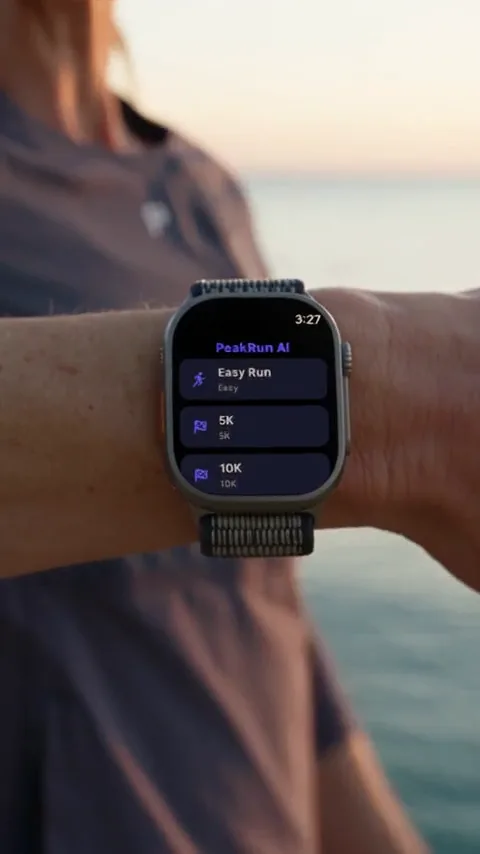
“It blows my mind. The ad even has my app’s real screenshot on the Apple Watch. I really think this is a game changer.”
Customers made these two ads for their own web apps, from their websites.
A new hire smiles at her team’s voice notes before her first day, so a manager watching wants that welcome for their own team.
A screen full of browser tabs closes down to one calm focus page, so a student watching sees a quieter way to study.
We open on the moment your app helps. In PeakRun AI’s ad, a runner finishes her morning run beside the river, so another runner can picture the same morning.
We write what the person says to the camera, the way they’d tell a friend. The runner explains what her coach told her about the run. Four in five of the 1,000 top product ads we studied had someone talking.
We show the one screen that backs up what the person says, and hold it long enough to recognise. The runner’s watch shows PeakRun AI’s run list as she names the app.
We close on the runner saying PeakRun AI is free and asking viewers to give it a try. Two in three of the top product ads we studied end by telling the viewer what to do.
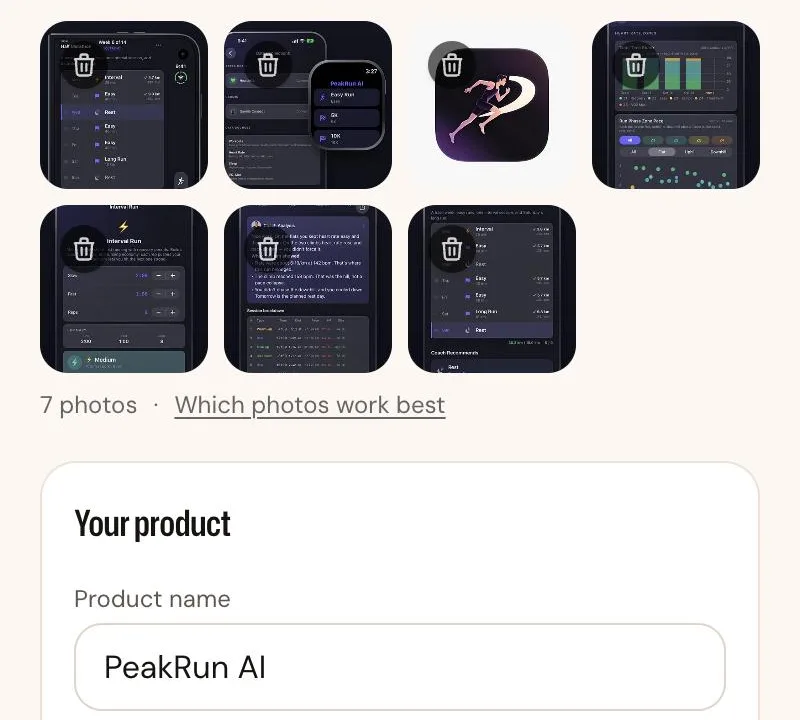
Step 1
We read your app’s name, description and screenshots from the App Store or your website. Nothing live yet? Upload your screenshots instead.
Paste yours at the top →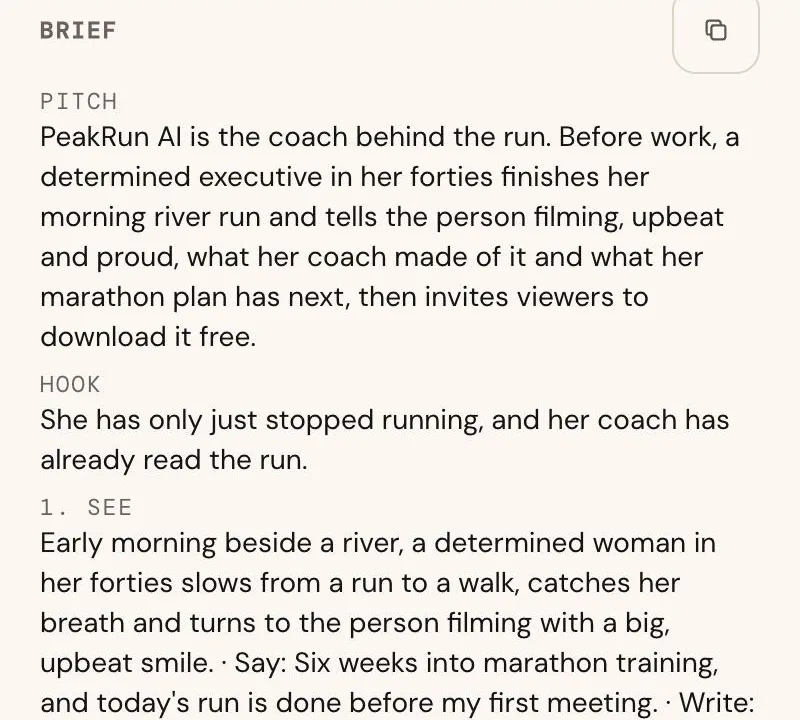
Step 2
Pick one of the ideas we write for your app, or describe your own. The script shows every scene: what viewers see, hear and read. Change any line you like.
How to write your own idea →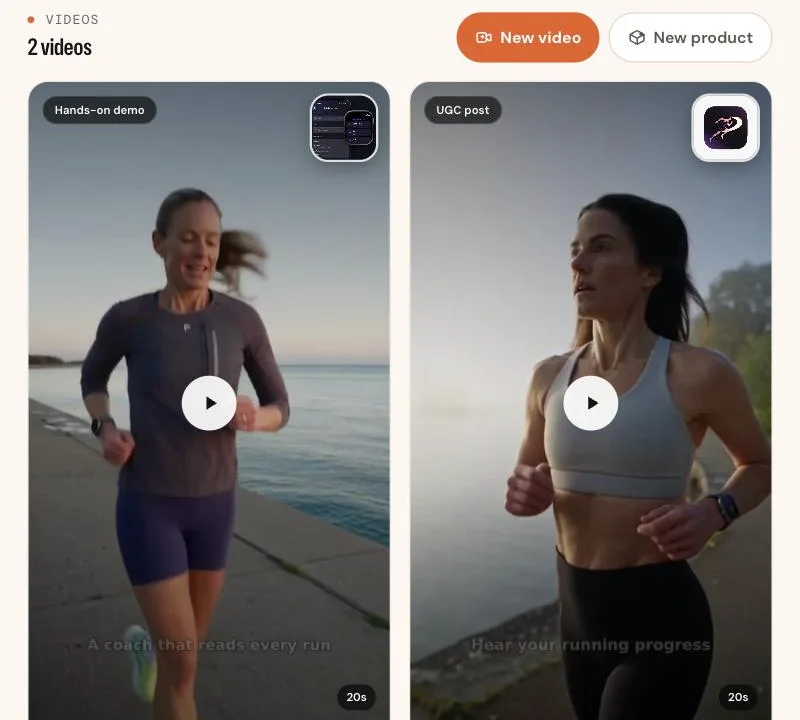
Step 3
Download your video ad for TikTok, Reels, Shorts and Meta. Your app stays saved, so the ad for your next feature starts at the script.
Plan your first campaign →InstantClips uses AI to make video ads for apps from an App Store link, your website or screenshots. We write the script, you edit it, and we make the video when you approve it.
We use your screenshots whenever the ad shows your interface. The person in the ad follows the script you approve.
InstantClips makes the people and the scenes from your App Store page, so you don’t need actors or creators. We didn’t film anyone for the ad on this page.
You can make an ad for an Android app from its screenshots. Upload them, add a note about what the app does, and we write the script from there.
You can set the audience and language for each video, so every market gets its own version. Choose them in the brief settings, then read the spoken and on-screen words in the script before we make the video.
You choose which claims appear in your ad. Tell us what to leave out, such as “no prices”, when we write the script, or edit any line before you approve it.
A video usually takes 5 to 15 minutes after you approve the script. You don’t have to wait on the page: close the tab, and we’ll email you when it’s ready.
The videos are yours to use in your own marketing and paid campaigns, including app install ads on TikTok and Meta.
Paste your App Store link or app website, or upload a few screenshots. You read the script before we make anything.
