Take great product photos with your phone.
You don’t need a studio or a photographer. Clear a desk, stand your product in front of a plain wall, and take four photos. That’s enough for your store and for every ad you make from them.
Updated October 2026 · Sources checked
Made with InstantClips
Your phone is enough.
Top ads don’t look expensive. Of the top TikTok ads we studied, 91 percent looked as if someone shot them on a phone, and only 5 percent were polished studio work.1
A good product photo needs a clean background, even light and a steady hand, and you can have all three at home.
A clear desk against a plain wall.
Clear the desk, then put the product on it, close to a plain wall. Nothing else goes in the picture: no clutter on the desk, and none of the room behind it. A clean background keeps every eye on the product.
Shoot in daylight if you can, and turn the flash off. The flash flattens the product and puts a glare on anything shiny. On an iPhone, tap the Flash control above the camera frame and choose Off.2 If a photo is dark or blurry, the video made from it will be too.3
A white wall is best, and the stores agree. Google says a white background makes the details easy to see, and suggests letting the product fill 75 to 90 percent of the picture.4 Amazon and TikTok Shop want the main photo on pure white, and Amazon says the product should fill 85 percent of it.5,6 Shopify says square photos usually look best.7
Take four kinds of photo.
Start with the whole product on its own, because the first photo does the most work. It is the one shoppers see first, so it has to show the whole thing clearly.
Then every side that matters. Your ad can only show the sides you photographed, so if the back matters, photograph the back.3 TikTok Shop asks for the same set: the front as the main image, then the back, the sides and the details.6
Then the details that make it worth buying, close up: the fabric, the stitching, the label, a clasp. Last, the product in use: in a hand, worn, or in the place where it belongs. You don’t have to be in it yourself.
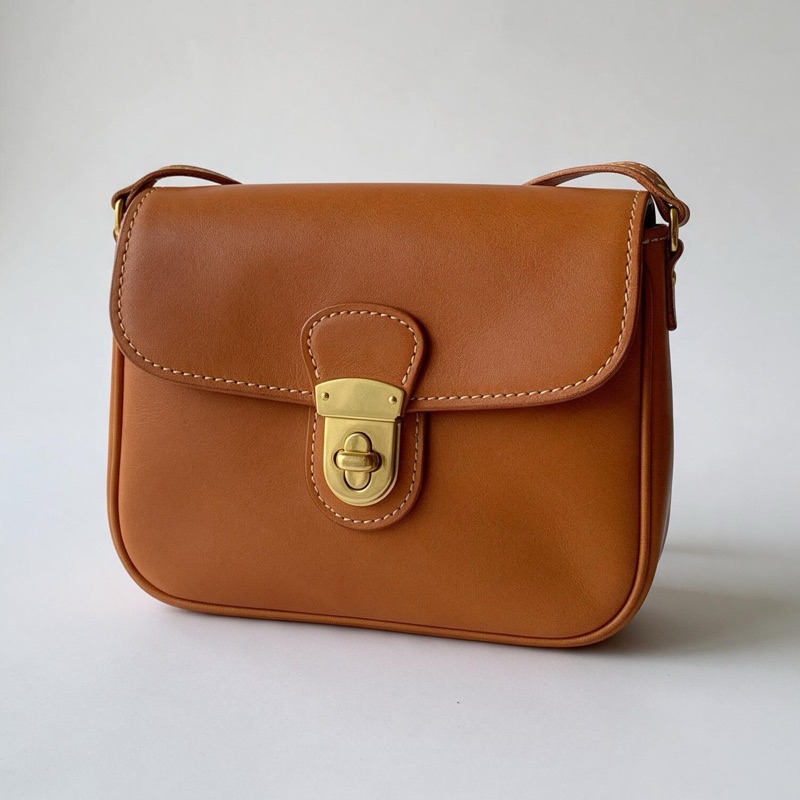
1 · First
The whole product
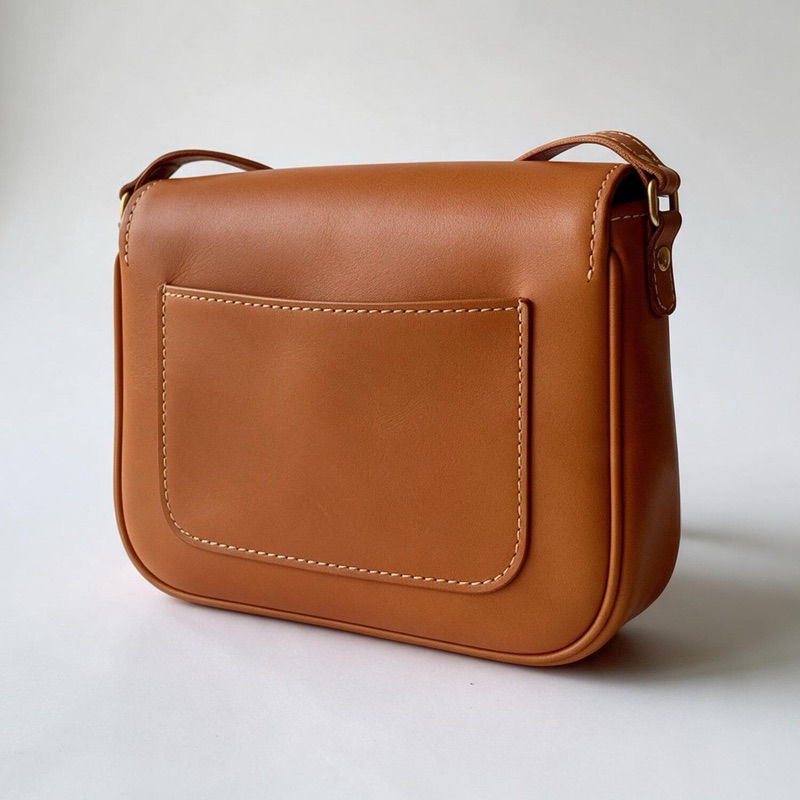
2 · Then
Every side that matters
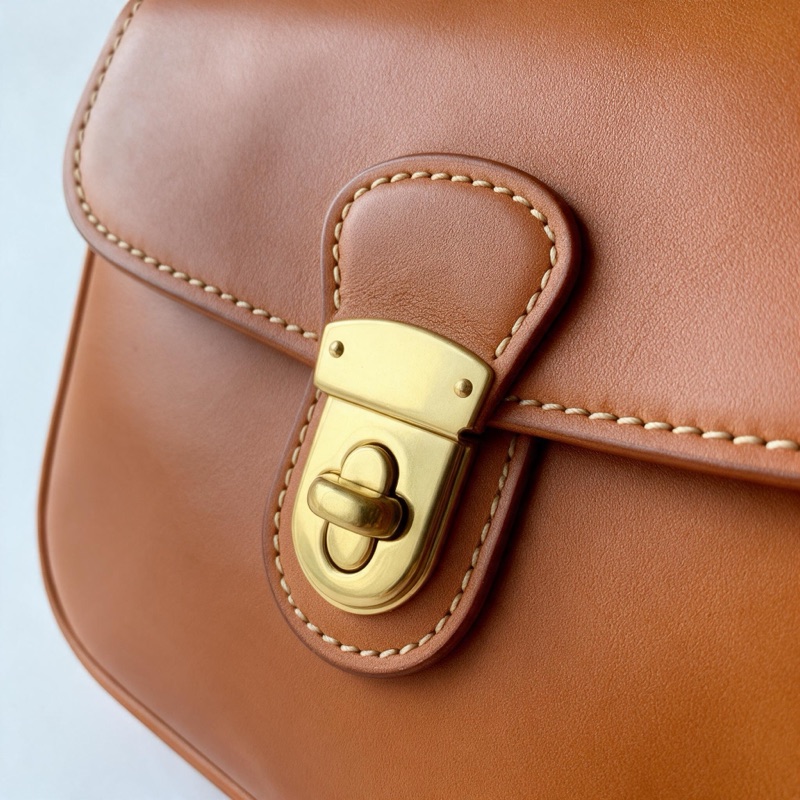
3 · Close up
The details
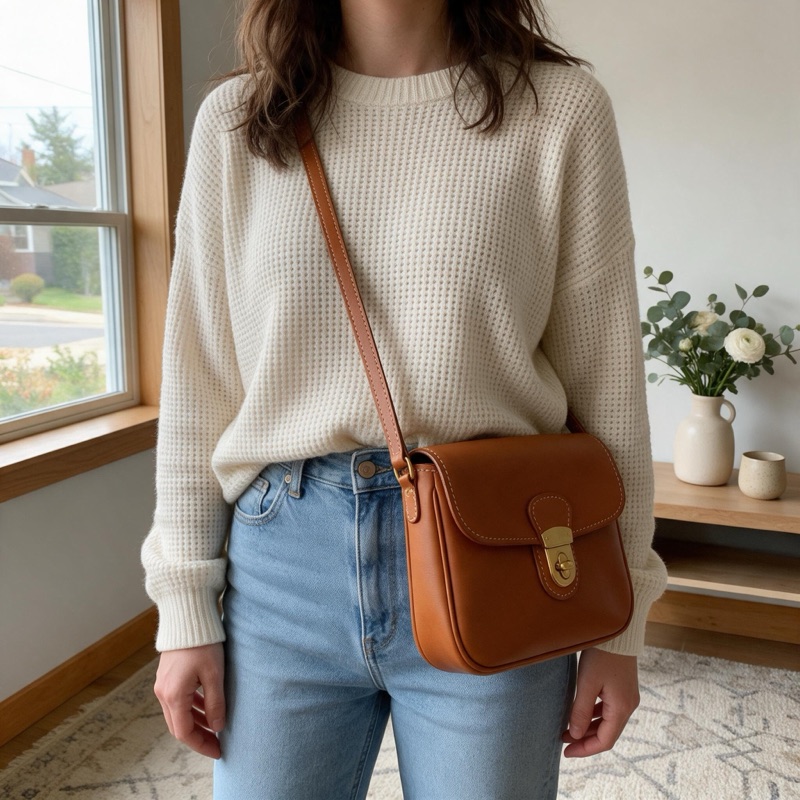
4 · Last
In use
Five settings worth a minute.
Wipe the lens first. A phone spends its day in a pocket, and a smudge softens every photo. Apple’s fix for blurry photos is to clean the lenses with a microfiber cloth.8
Tap the product on the screen to focus on it. On an iPhone, drag up or down beside the focus area to make the photo brighter or darker, and touch and hold until AE/AF Lock appears to keep the focus and brightness while you move.2 On a Pixel, tap the product, then tap Lock.9
Turn on Grid and Level, in Settings under Camera, so the product stands straight.2 For close-ups, move in. On the iPhones that support macro, which include every Pro model since the 13 Pro, the camera switches to macro on its own when you get close.10
Then the format. InstantClips takes the photos an iPhone saves as they are, and so does Shopify.3,7 Amazon and Meta take JPEG and PNG, but not the iPhone’s own format.5,11 If you sell there, choose Most Compatible in Settings, under Camera and then Formats, and new photos save as JPEG.12
- Clean the lens A microfiber cloth. Any phone
- Tap to focus On the product, then lock it. Any phone
- Grid and Level In Settings, under Camera. iPhone
- Move in for details Macro switches on by itself on the iPhones that support it. iPhone
- Most Compatible Only if your store wants JPEG. iPhone
Turn the photos into ads.
Upload up to nine photos of one product, or paste its product page and InstantClips takes the photos from there. It writes the whole script for the ad, you read it, and the video is made from your photos.3
Nobody has to model the product. InstantClips blurs the faces in your photos and casts a new person for the ad.3
Any phone photo is big enough. Give each colour or model its own photos, and each one gets its own video.3 The app’s photo guide has the full list of what works and what to leave out.
Plain photos become finished ads.
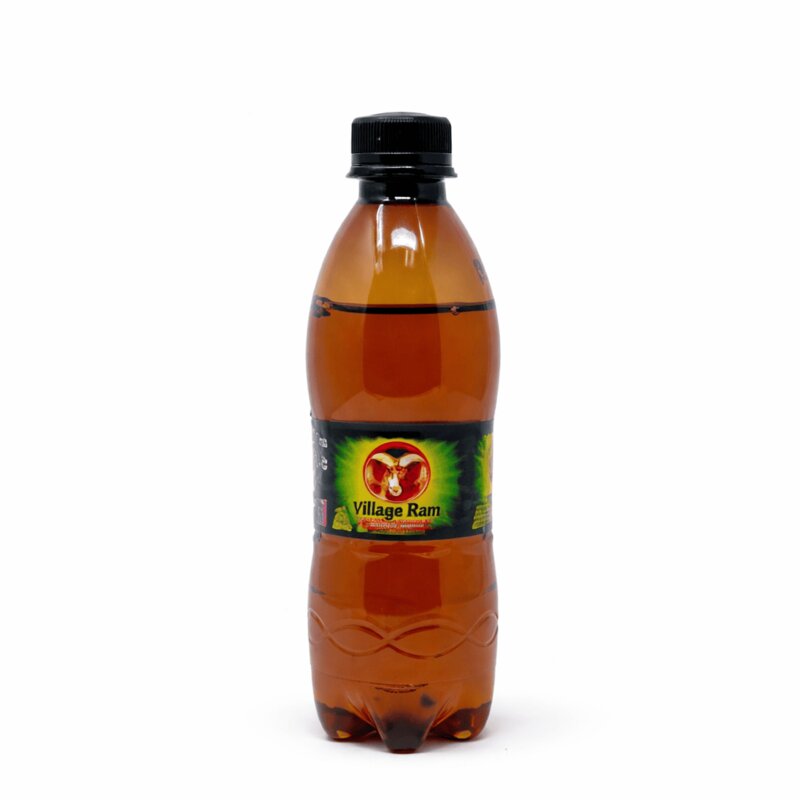
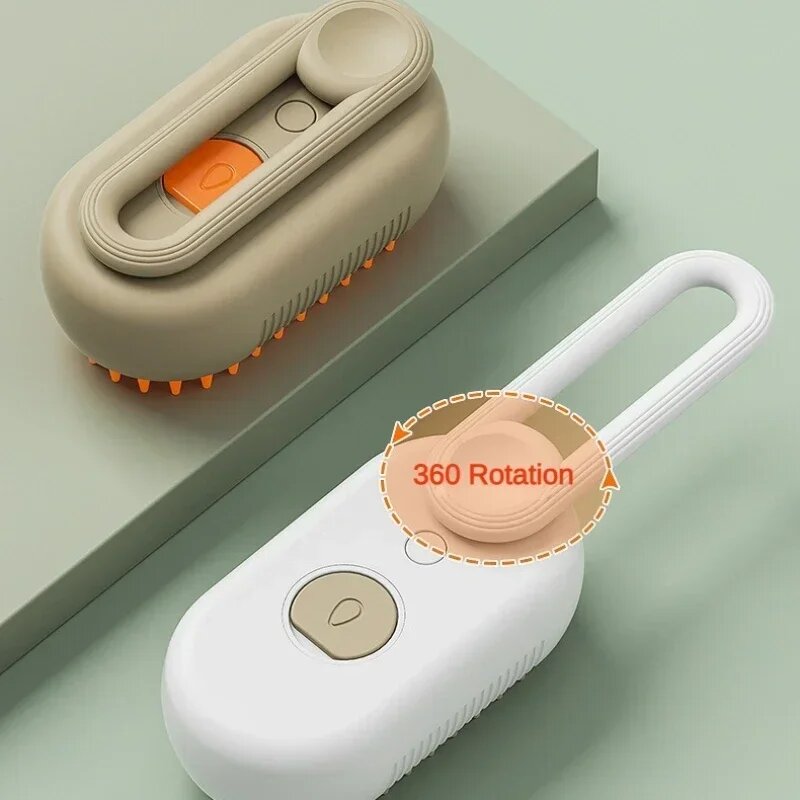
Four products from real stores, photos like the ones above, and the ads InstantClips made from them.



Try it on your product, free.
Got your photos? Turn them into an ad. Paste a product link, or upload photos. No credit card needed.
Sources 12
- 1 Our study of top product ads, October 2026: 91 percent of the 500 top TikTok ads look filmed on a phone, and 5 percent are polished studio work. What 1,000 top ads have in common
- 2 Apple, iPhone User Guide, “Use iPhone camera tools to set up your shot”, read 22 October 2026: the Flash control switches “between Auto, On, or Off”; “Tap the screen where you want to move the focus area”, then “drag up or down to adjust the exposure”, and “touch and hold the focus area until you see AE/AF Lock”; “Tap Camera, then turn on Grid and Level.” Apple Support
- 3 InstantClips, the app’s photo guide, read 22 October 2026: up to 9 photos for each video, and the first 4 selected are read when the script is written; at least 300 pixels on the shortest side and up to 8 MB; PNG, JPG, HEIC, TIFF or WebP; “The video can only show the sides of the product that your photos show”; faces are blurred and “the video shows a different person instead”; “Use four or fewer photos with people in them”; “If a photo is blurry or dark, the video will be too.” Which photos work best
- 4 Google Merchant Center Help, “Make your products stand out and maximize your reach across Google’s channels”, read 22 October 2026: “Close-up product shots with a white background make it easy for customers to view product details”, and “ensure your product occupies between 75% and 90% of the image, with ample white space around it.” Google Merchant Center Help
- 5 Amazon Seller Central, “Product image guide” (United States), read 22 October 2026: the main image should “Have a pure white background (RGB color values: 255, 255, 255)” and “Show the product as 85% of the image”; file formats JPEG, TIFF, PNG and non-animated GIF. Amazon Seller Central
- 6 TikTok Shop Seller University, “Product Listing Policy” (United States), dated 1 September 2026, read 22 October 2026: “The main image must show the front physical view of the product”; “Additional images must show the front, back, sides, and other details”; “The main image must have a pure white background”. TikTok Shop Seller University
- 7 Shopify Help Center, “Product media types”, read 22 October 2026: “For square product images, a size of 2048 x 2048 px usually displays best”; use “a consistent aspect ratio” for all main images; accepted file types include HEIC. Shopify Help Center
- 8 Apple Support, “If the camera or flash on your iPhone, iPad, or iPod touch isn’t working”, read 22 October 2026: “If the photo is blurry, clean the front and back camera lenses with a microfiber cloth.” Apple Support
- 9 Pixel Camera Help, “Take high quality photos on your Pixel phone or tablet”, read 22 October 2026: “Tap on the subject” to focus, and “To lock the focus and exposure on a subject that moves, tap Lock.” Pixel Camera Help
- 10 Apple, iPhone User Guide, “Take macro photos and videos with your iPhone camera”, read 22 October 2026: “Get close to the subject—as close as 2 centimeters. Camera will automatically switch to the Ultra Wide camera to enable macro photography.” Supported models: iPhone 13 Pro and every Pro model since, and iPhone 16, 16 Plus and 17. Apple Support
- 11 Meta Business Help Center, “Product image specifications for catalogs”, read 22 October 2026: “Images must be in JPEG or PNG format and 8 MB maximum”; at least 500 by 500 pixels, with 1024 by 1024 recommended. Meta Business Help Center
- 12 Apple Support, “Using HEIF or HEVC media on Apple devices”, read 22 October 2026: capturing in HEIF is recommended; “Tap Formats, then tap Most Compatible”, and “All new photos and videos will now use JPEG or H.264 format.” Apple Support