Paste the product link
Copy the product page link from shop.tiktok.com in your browser and paste it in. Check the photos that come through, and add your own if the listing has only a few.
Use a product link or listing photos to make a short video you can post on TikTok. On the Scale plan, you can also import many products at once from a Seller Center spreadsheet.
Start with a demo, an unboxing or a UGC-style ad. Download the finished video, post it from your TikTok account and add the product link when you publish.
One video will not last. TikTok tells advertisers to bring in three to five new videos about every seven days, and the playbook on why ads wear out has the figures. When you want a new version, use the same photos to try another opening or a different format.
Copy the product page link from shop.tiktok.com in your browser and paste it in. Check the photos that come through, and add your own if the listing has only a few.
Use the photos from your listing, or any clear photos of the product. You do not need a link at all.
Upload the Image information spreadsheet from Seller Center to bring your products into InstantClips. Each product gets a drafted plan for its video, and you choose which videos to make. Bulk upload is included with Scale.
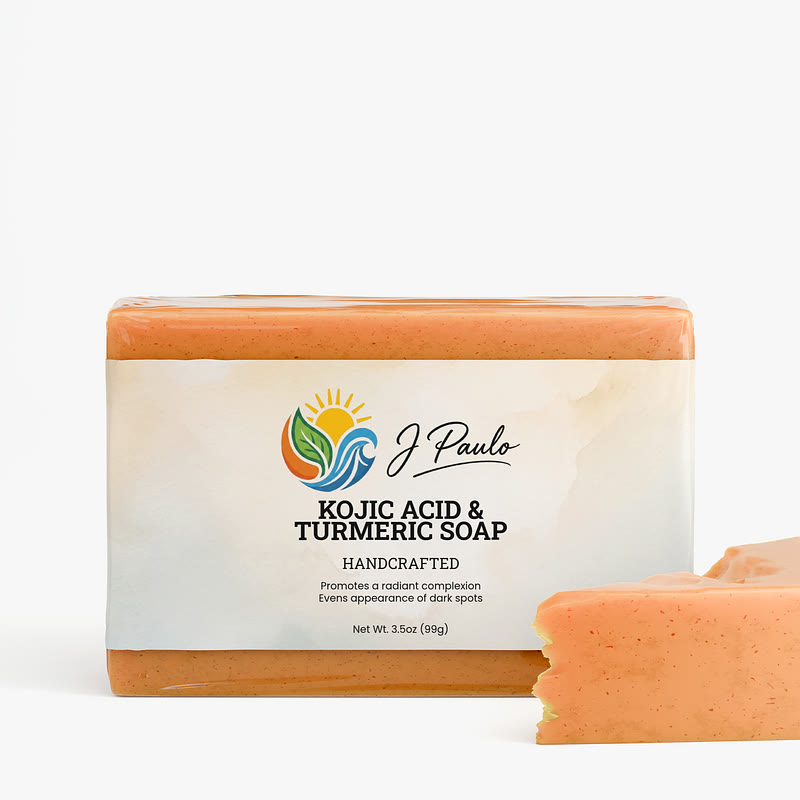
A cat toy, a wall touch-up roller, a soap bar and a fan. More in the examples library.

Go to Manage Products and select the products you want. Under Bulk Actions, choose Batch Edit Products. In the custom template, pick Image information and click Export. You get an .xlsx file. Upload that file to InstantClips without changing it, and each row becomes a product.
Links copied inside the TikTok app can be blocked by TikTok's security check. Open the product in a browser and copy its shop.tiktok.com link instead, or upload the listing photos. The supported stores page lists every store we read.
Paste a shop.tiktok.com product link, or upload the photos. The first video is free, and there is no card to enter.