Set up TikTok to advertise.
TikTok wants an advertiser account, a payment method, a website that passes its review and a pixel. Four short lists. One of them is strict, and four details lock the moment you save them.
Updated September 2026 · Sources checked
Get four fields right, then wait a day.
TikTok’s setup is shorter than Meta’s, but it is less forgiving in two places. Four of the details you type on the first screen cannot be changed afterwards. And before anything runs, a reviewer opens your website and judges it against a checklist. Most account reviews take less than 24 hours, and every new ad then waits up to a day of its own.2,3,1
Meta has a page of its own, if you will advertise there too.
The account.
You sign up to TikTok for Business with an email or a phone number and confirm it with a code. Then you create the advertiser account, and it asks for six things: your country, your industry, your legal business name, your time zone, a phone number and your currency. Four of those cannot be edited once the account exists: the region, the business name, the time zone and the currency. Get them right the first time.2,3
The money.
Billing details, which in some countries include tax information, and a payment method. You choose between manual payment, where you add a balance first and the ads stop when it runs out, and automatic payment, where TikTok bills your card or PayPal at a threshold or a billing date. In the United States, manual payment takes Venmo, PayPal or a card. When you reach the campaign, TikTok has a floor: the daily budget must be more than 50 dollars for the campaign and 20 for the ad group.2,4,5
The website review.
This is the strict one. TikTok reviews your account before anything runs, and the reviewer opens the link you gave. It has to load, work on a phone, be your own domain rather than an Amazon, eBay or Alibaba listing, clearly sell something, and not ask the visitor to download anything or hand over personal details to get in. Most account reviews take less than 24 hours. If you change the link later, the review runs again.6,2
The proof and the pixel.
TikTok asks for your business details at sign-up. Once your spend passes a threshold it sets for your market, verification with a document becomes mandatory: you get a notification with a deadline, and meeting it is what keeps the ads running. The document is a registration or incorporation certificate, as a PDF, JPG or PNG under 10 MB. Have it scanned now.7
The pixel decides what kind of campaign you can run. Without a pixel or the Events API you cannot choose the objective that optimises for purchases on your site. Shopify installs the TikTok pixel with no code. Everything else is optional for one person with one store: linking your TikTok account so ads can run from your own posts, and Business Center, which is built for teams.8,9,10
- Business verification Mandatory past a spend threshold TikTok tells you about. One document, under 10 MB.7 If asked
- Pixel and Events API Required for the objective that optimises for purchases. Shopify installs it.8 Required to measure
- A linked TikTok account Only for Spark Ads, which run from your own posts.9 Optional
- Business Center For teams sharing accounts.10 Optional
Then a day of waiting.
Two reviews stand between you and the first impression. The account review, once, when you sign up and again if you change your website link. Then the ad review, for every new ad, which TikTok says is usually done within 24 hours. That one opens the page too: it wants a page that works on a phone, in the language and currency of the country you target, with a brand name that matches the ad.1,6,11
While the review runs, make the ads.
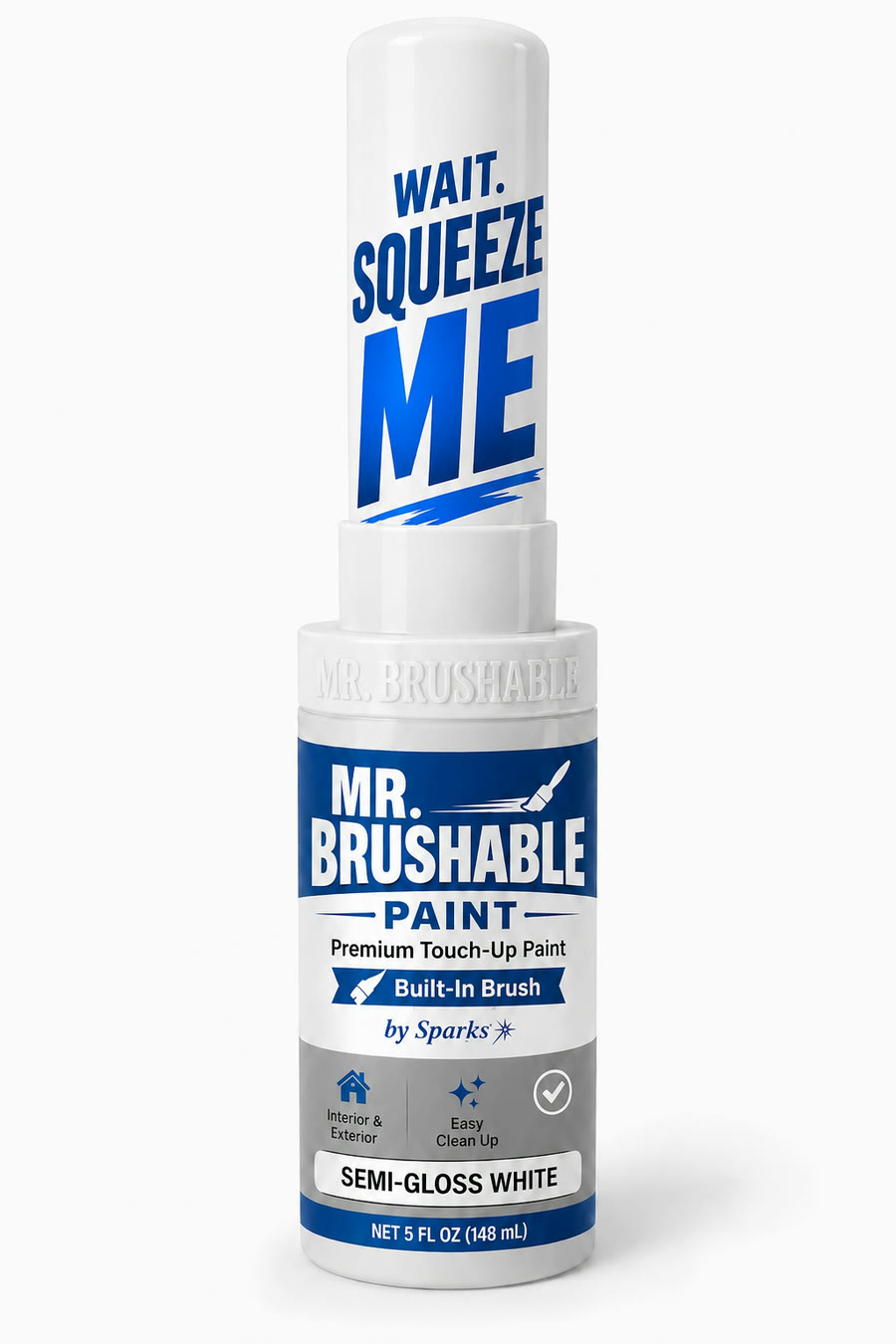
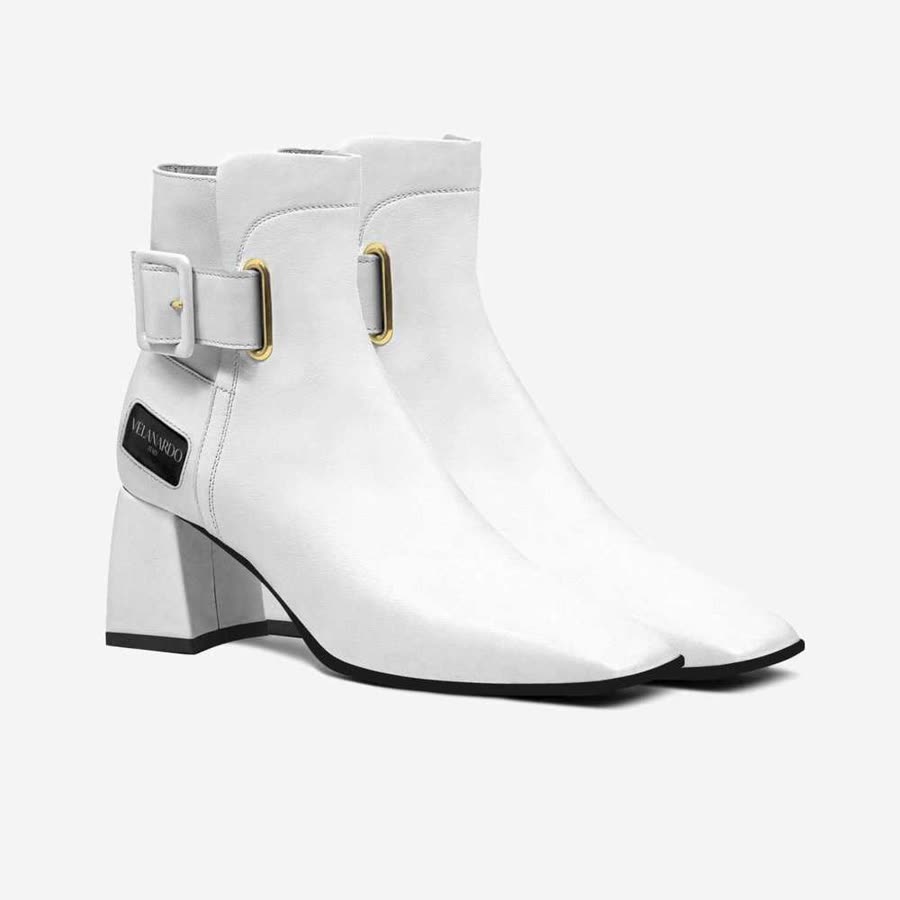
The first ad group wants three to five ads, each clearly different from the others. InstantClips makes them from the page TikTok is about to review. Paste your product page, read the plan it writes, and the vertical video is generated from that plan. Ask for the next angle and you get a different ad. The first video is free. See how to make the ads, step by step, the example library, or what it costs.
Your product page is enough to start.
Two stores, and the ads made from their product pages.

Your first video ad is free.
Paste a product link, or upload photos. The first video is free, and there is no card to enter.
Sources 11
- 1 TikTok Advertising Policies, “Advertising & Ad Review”: “most are reviewed within 24 hours”; the review covers “Functionality and eligibility of landing page” and “Consistency between an ad and the landing page”. TikTok Business Help Center
- 2 TikTok Business Help Center, “How to set up a TikTok Ads Manager account”, June 2026: a login by “email address or phone number” confirmed by “a verification code”; an advertiser account asks for “Country or region”, “Industry”, “Legal business name”, “Time zone”, “Phone number” and “Currency”, then “billing and payment information”; “Your ad account will be automatically submitted for approval … your ads won’t run until your account is approved. Most account reviews take less than 24 hours.” TikTok Business Help Center
- 3 TikTok Business Help Center, “Required information to set up your account”: “You won’t be able to edit the timezone, region, business name, and currency of your ad account once it’s been created.” TikTok Business Help Center
- 4 TikTok Business Help Center, “Available TikTok billing options”, “About Manual Payment” and “North America supported payment methods”: with manual payment “you will need to add a balance to your account before delivering your ads” and “Once your account balance runs out, your ads will stop running”; with automatic payment TikTok bills “when you reach your account’s billing threshold or bill date”; in the United States manual pay takes “Venmo, PayPal, Credit or Debit card”. TikTok Business Help Center
- 5 TikTok Business Help Center, “About Budget”, July 2026: for a daily budget the campaign budget “must exceed” 50 dollars and the ad group budget 20 dollars. TikTok Business Help Center
- 6 TikTok Advertising Policies, “Account Review Checklist”: the company website “Functions properly and is optimized for mobile”, “Is not under-construction or a 404 page”, “Does not point to a third-party site (like eBay, Alibaba, or Amazon), personal website, or un-verified social media account”, “Clearly promotes a product, service, or brand” and “Does not require users to provide any personal information or download anything”. And “Account Approval FAQs”: “When you update the URL of your promotion link, you will automatically trigger a new account review.” TikTok Business Help Center
- 7 TikTok Business Help Center, “How to verify your business on TikTok”, August 2026: “When you create an ad account on TikTok, you’ll be asked to verify your business information”; “Business verification is also required once your ad spend reaches a set threshold … you’ll receive a notification with a deadline, and completing verification by that deadline is what keeps your ads running”; documents as “.JPEG .PNG .PDF .JPG”, “cannot exceed 10MB”, and “should not expire in the following 30 days”. TikTok Business Help Center
- 8 TikTok Business Help Center, “About Events API”, April 2025: “Pixel or Events API set-up is a pre-requisite for our Web Conversions objective in TikTok Ads Manager”; and “About TikTok Pixel for Shopify”, February 2025: “you can install TikTok Pixel with just a few clicks with no changes to website code required.” TikTok Business Help Center
- 9 TikTok Business Help Center, “How to create Spark Ads for Smart+ Campaigns”, October 2025: “To create a Spark Ad, you must select a TikTok account as your identity”; a creator’s post is shared by a video code with “the authorization duration (7, 30, 60, or 365 days)”; “You cannot edit a post’s caption after it’s been authorized as an ad.” TikTok Business Help Center
- 10 TikTok Business Help Center, “About TikTok Business Center”, June 2026: “It’s made to make teamwork easier … Multiple users can manage multiple accounts and assets”; the business verification page separately describes “a standalone ad account that isn’t linked to any Business Center”. TikTok Business Help Center
- 11 TikTok Advertising Policies, “Ad Format and Functionality”: “Landing pages must be functional”; the language and currency of the ad and landing page “must either be consistent with the setting or be acceptable/relevant for the target market”; not allowed: “Landing pages that are not mobile-friendly” and pages that “require viewers to download additional programs or enter personal information in order to access the main content”; “The Display Name … needs to be consistent with the promoted product, service, or app name shown on the landing page.” TikTok Business Help Center