Copy and adapt
Copy an idea above and change it to fit your product.
See three real product videos, then copy an idea and make it your own.
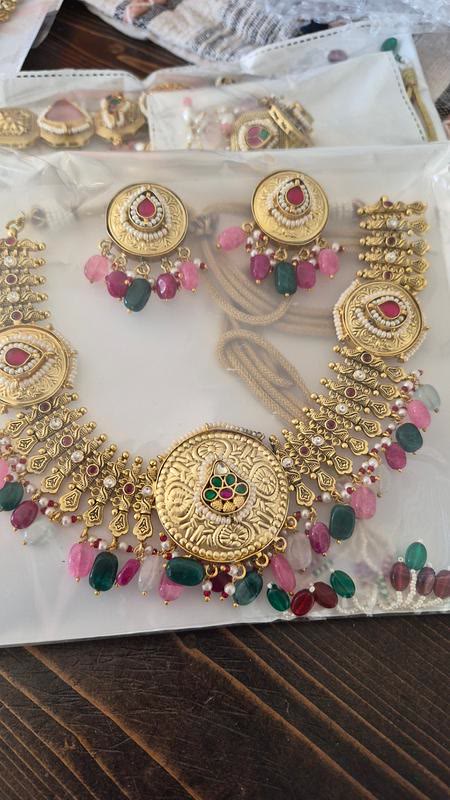
The Radha choker is handled and then worn with matching earrings. A try-on helps show how an accessory looks when worn. The source is a product listing photo.
Use a clear photo of the whole item and close-ups of its details.
Show the product up close, then show someone wearing it in warm natural light.
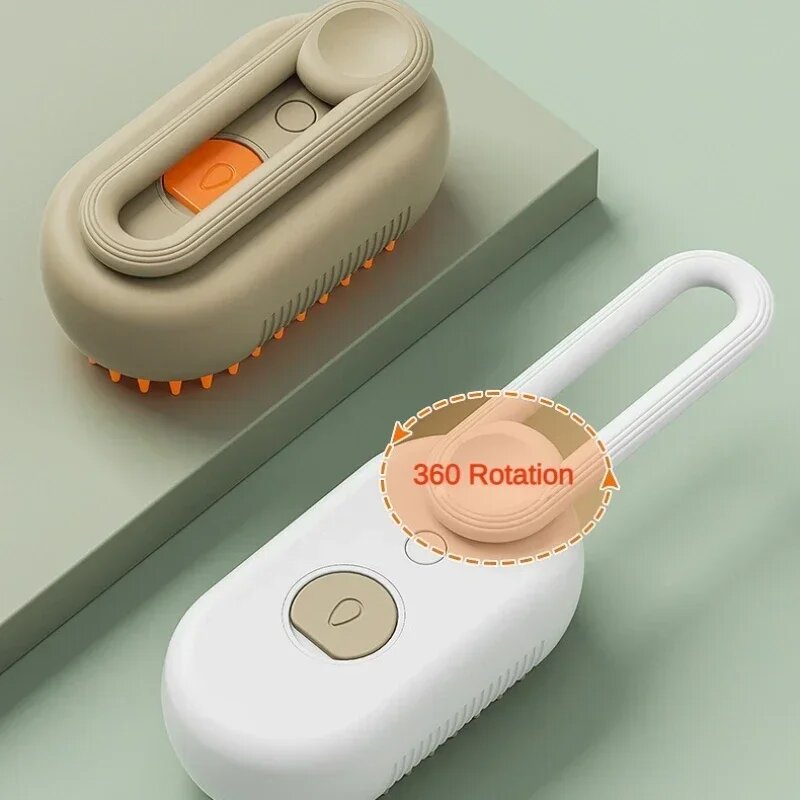
The DreamAnimal steam brush moves through a cat’s fur. A demonstration gives shoppers a view of the product in action. The source is a product listing photo.
Use clear photos of the whole product and any features involved in using it.
Show how the product is held and used, then finish on a clear product shot.
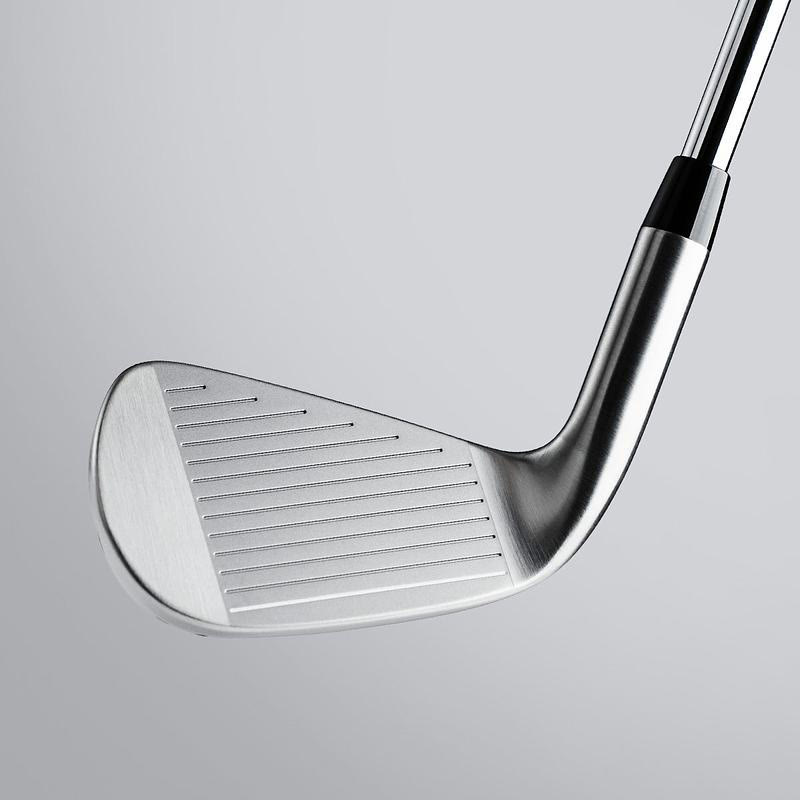
The Takomo iron is shown in the studio and on the course. Close-ups give shoppers time to see the details. The source is a product listing photo.
Use a clear whole-product photo and close-ups of the details you want to highlight.
Open with close-ups of the product’s details, then show it in its natural setting.
Copy an idea above and change it to fit your product.
Start with a product URL or upload photos and add product details.
Paste it at the idea step. We write the script from it, and you read it before we make the video.
Paste a product link or upload photos to get started.
PNG, JPG, HEIC, TIFF and WebP. Several angles of one product.
