Fashion and apparel video ad examples
Clothes sell when they move. Fit checks, second looks and the walk away, made from the product photos you already have.
Fashion & apparel clips
Tap any clip to watch it full-screen with sound. The full library has the rest.
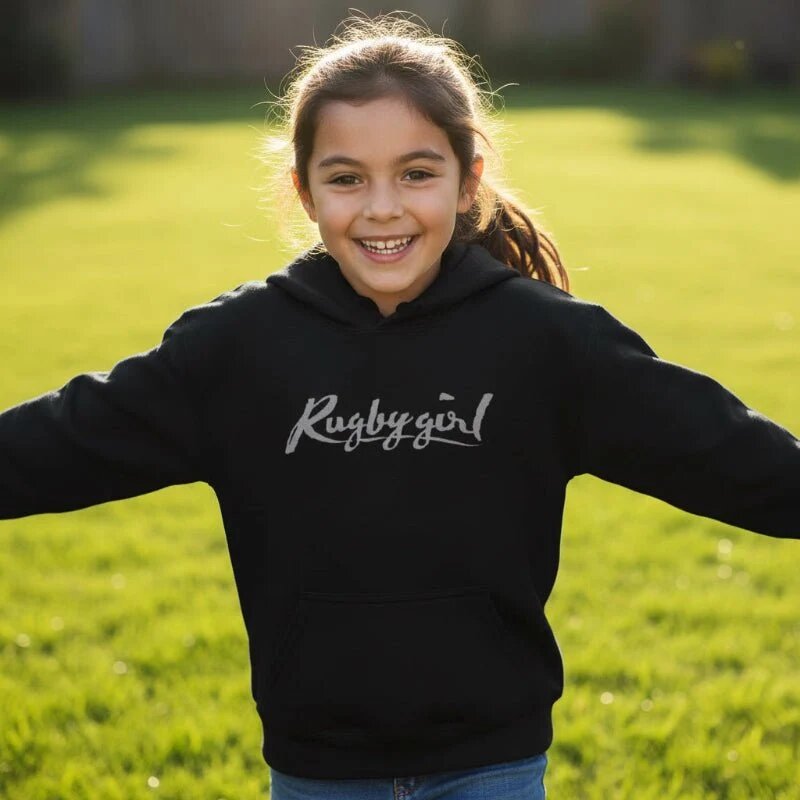
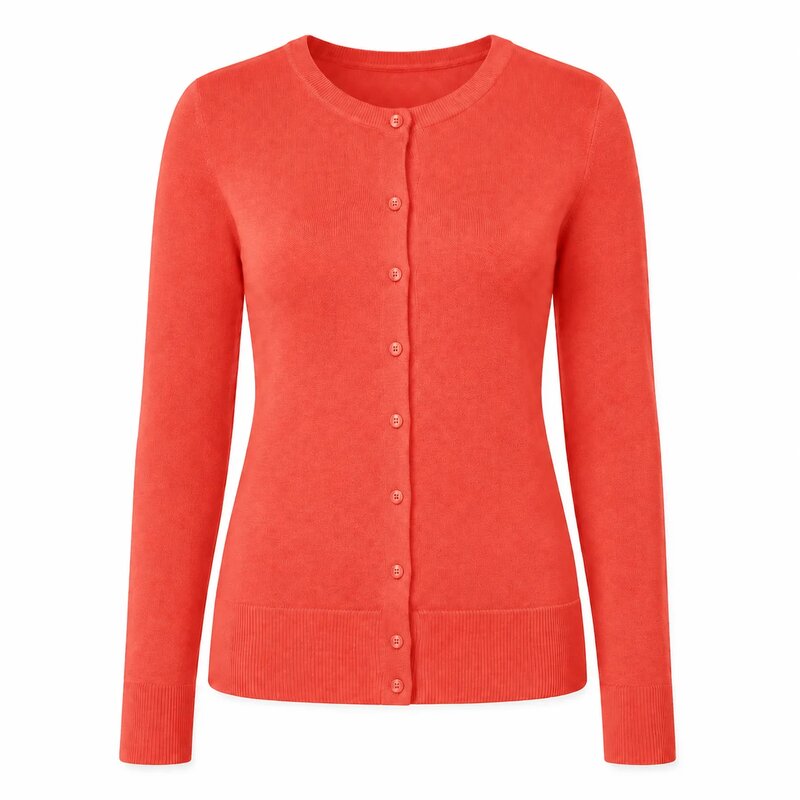
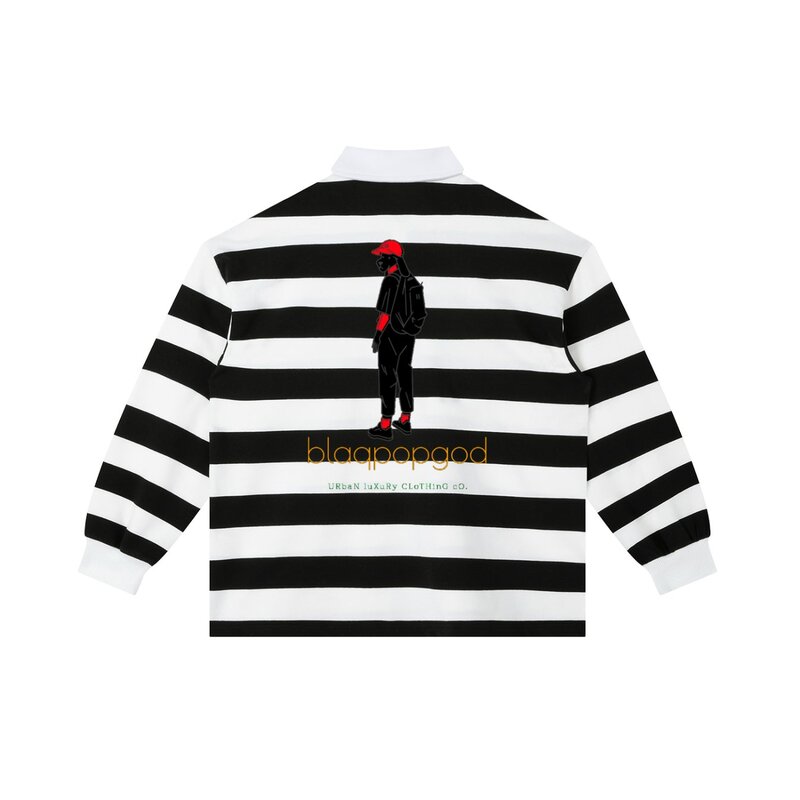
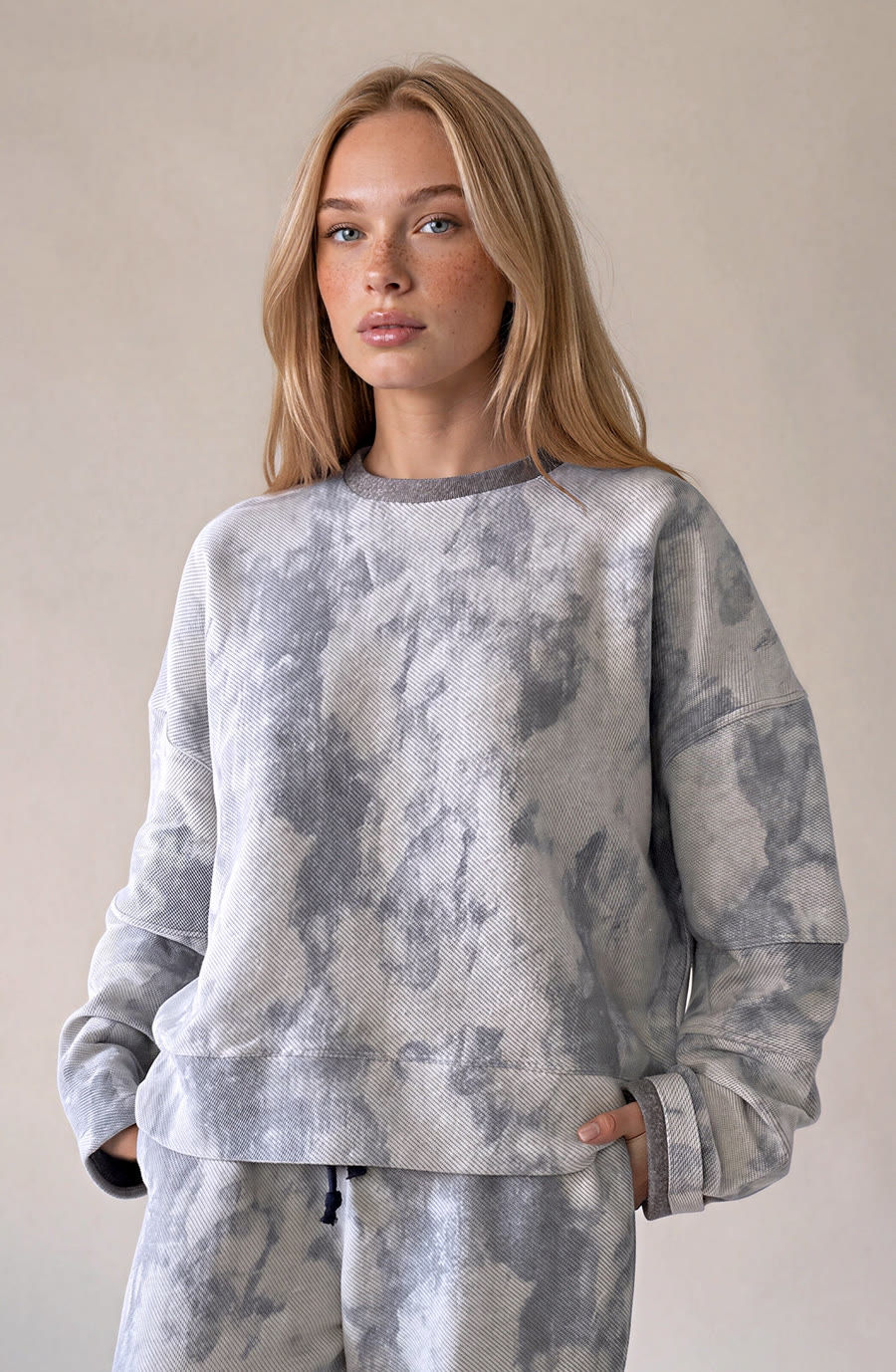
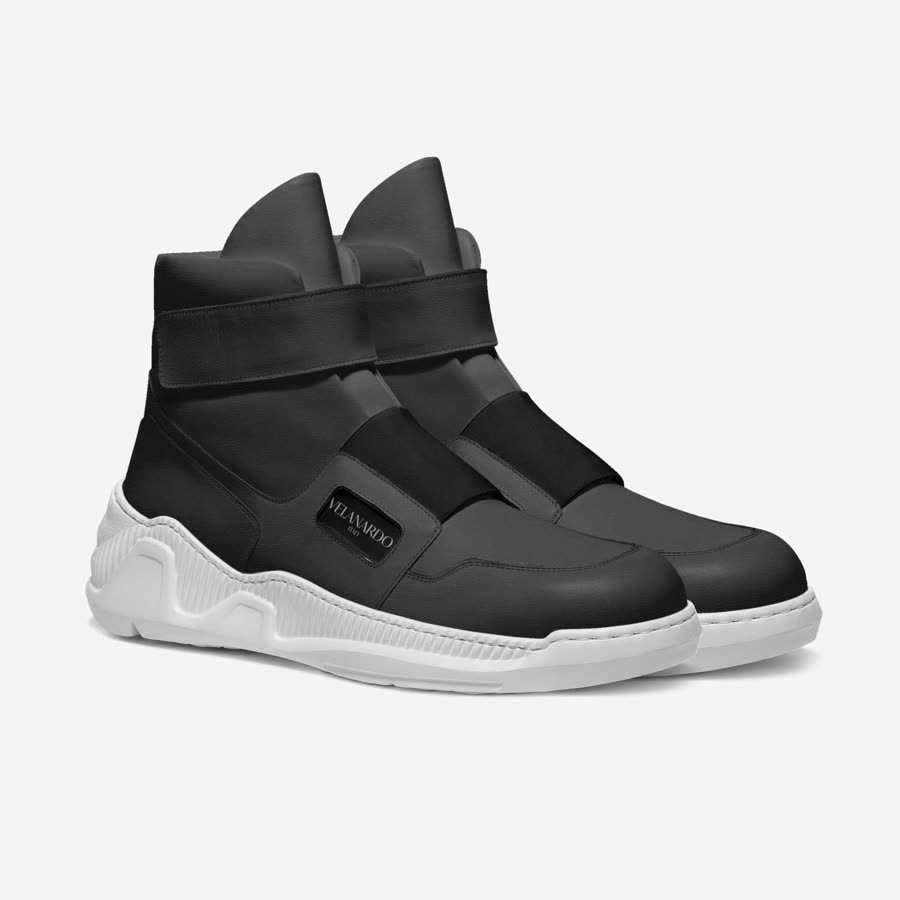
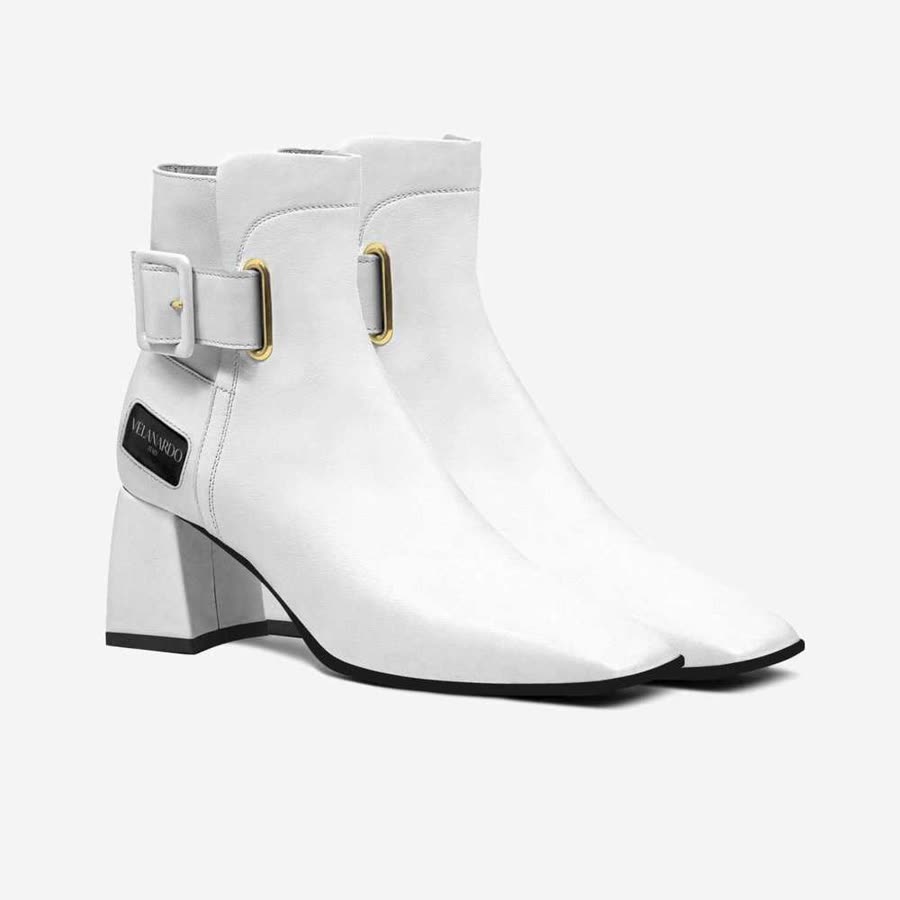
Creative patterns and what to feed them
Three treatments carry most of the apparel work this system produces.
- The fit check. One person, one mirror, one garment, turned. It answers what a product photo cannot: how the thing sits on a body that moves.
- The second look. The piece again in another colourway or another styling. That turn is what holds the back half of a clip.
- Movement. Drape, swing and stretch are what a still image flattens.
What you hand over changes what comes back. For clothing that means at least one on-body shot, one close frame on the weave or the hem, and fit and fabric language left in your product copy, since the description is source material. Run one clip per colourway rather than one clip covering six.
It picks the format that fits the product; lifestyle, product showcase, transformation and micro-story are the ones that suit clothing, and you can name one yourself instead. More on the controls.
Fashion & apparel questions
Do I need a model or a UGC creator?
No. Nothing on this page came from a shoot or a creator booking. The clips were generated from product assets.
Can I make a separate clip for each variant?
Yes. Run it again per colourway or per style, and name the variant in a note so the video is built around it. Each run uses credits from your balance; the pricing page shows what each pack includes.

Your first video ad is free.
Paste a link to something from your store and the app pulls in your photos, price and description. If you want a particular colourway or styling, add a line saying so and it carries through to the video. The first video is free, and there is no card to enter.